


AccuCheck Sim – A Clinical Simulation for Diabetes
Client
Roche Pharma
Services
Unity3D Implementation, Visual Design
Industries
Project Timeline
2-3 Months
About the Project
About AccuCheck Sim
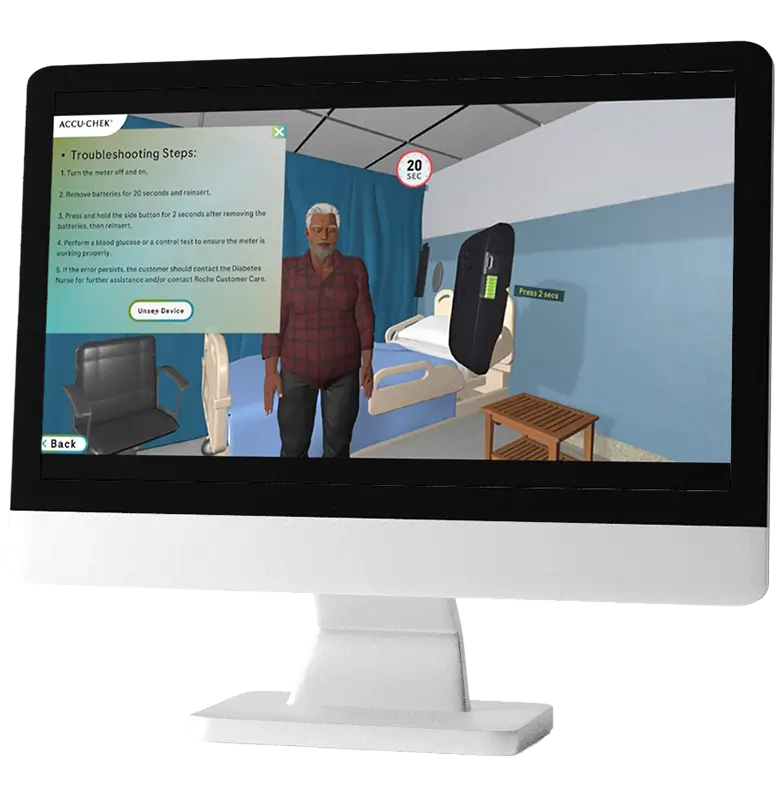
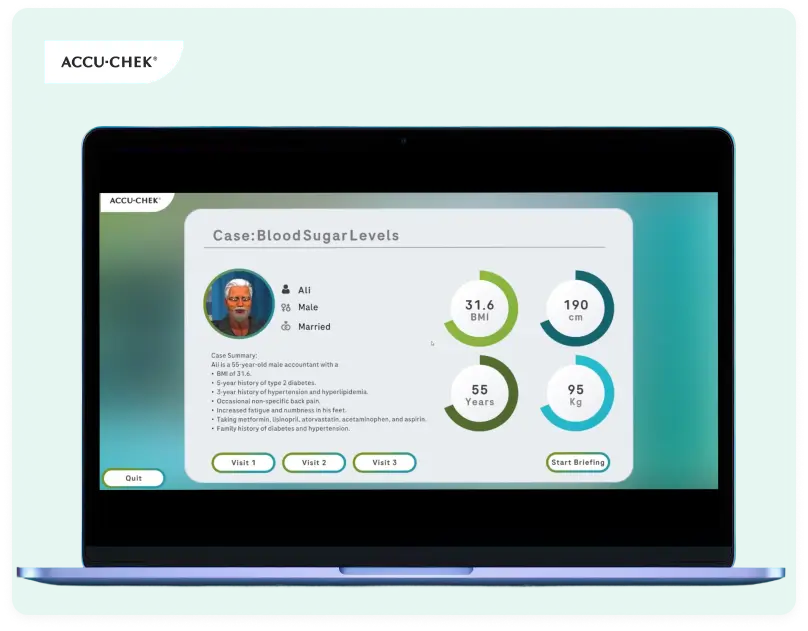
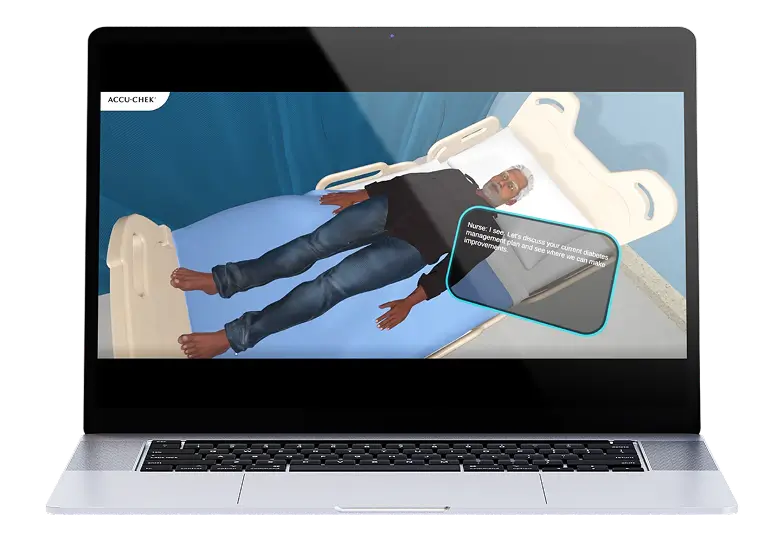
Roche Pharma aimed to enhance product understanding and practical usage among healthcare professionals through an interactive learning experience for Diabetes. Roche Pharma approached DigiTrends to develop AccuCheck Sim, a PC-based clinical simulation case for Diabetes designed to both allow users to interact with a diabetic patient to administer treatment and learn about the proper usage of the AccuCheck device.
At DigiTrends, we develop simulation-based training platforms that focus on hands-on learning and real-world application. Our solutions are designed to improve user confidence, accuracy, and overall product familiarity while aligning with specific training objectives.


The Vision & Objectives
What We Set Out To Achieve
An Interactive Learning Experience
To replace passive training methods with an engaging, clinical diabetes simulation case.
Improve Device Handling
To enable users to learn and practice the correct usage of the AccuCheck device through a clinical diabetes simulation case.
Better Product Knowledge
To give users a clear and practical understanding of the AccuCheck device.
The Core Challenges
Problems We Needed to Solve
-

Limited Practical Training Opportunities
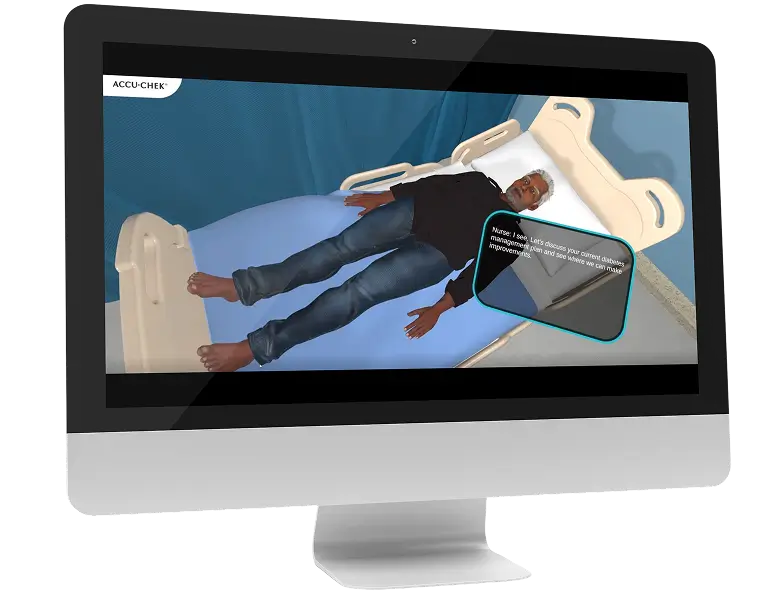
Traditional training methods often lack real-time, practical interaction with a diabetic patient.
-
Risk of Improper Usage
Without practice, users may struggle with handling the device properly and accurately.
-
Low Engagement
Static, lecture-based training formats often result in reduced attention and retention.

Achieve Your Business Goals With DigiTrends’ Custom Solutions
Our PC-based interactive custom experiences are designed to keep your users engaged while supporting your business goals.
The Solution
How We Addressed These Problems
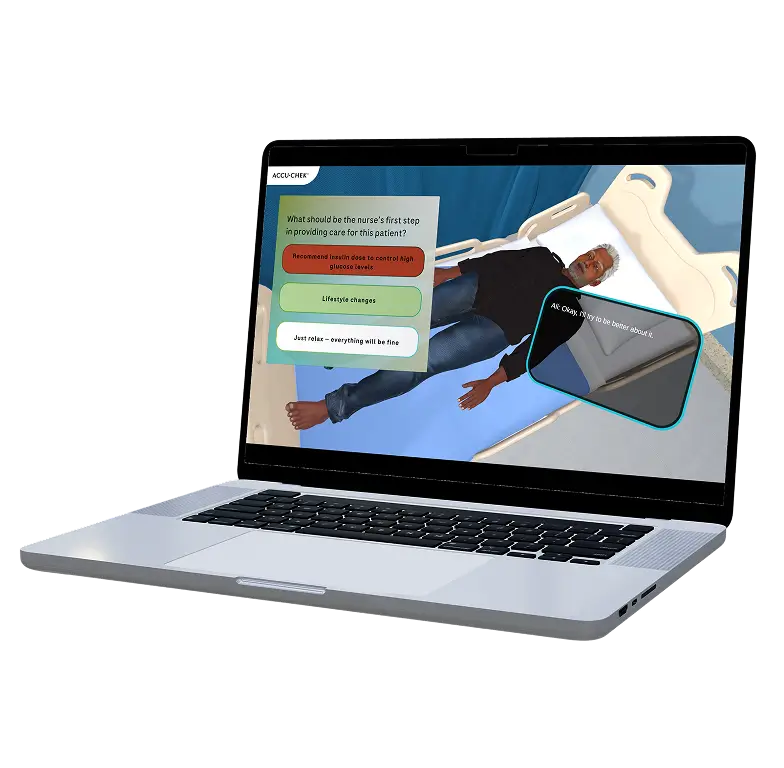
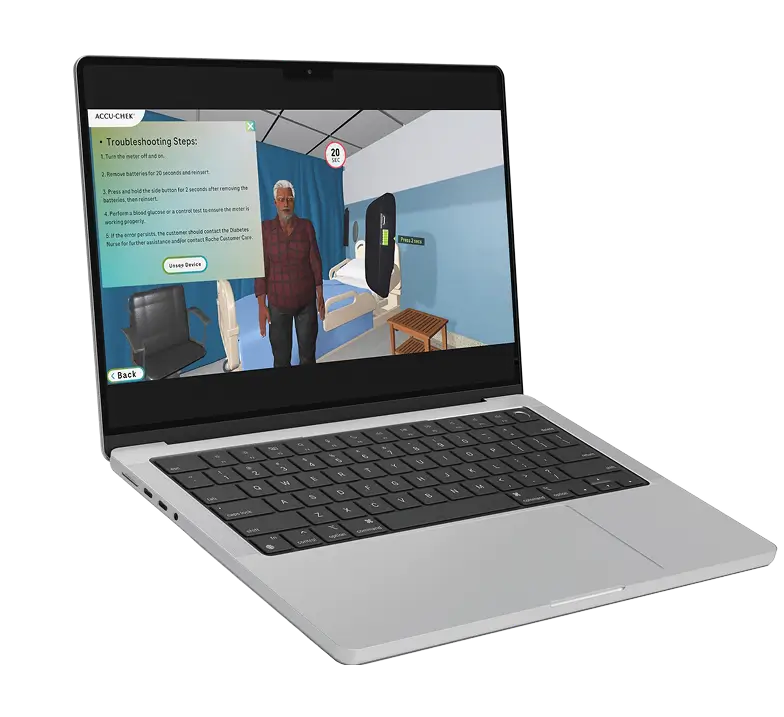
We developed a PC-based interactive diabetes case simulation focused on real-world device training as part of its treatment in response to these challenges.

Virtual Patient Interaction
Users engage with a simulated diabetic patient scenario where they perform step-by-step device usage in a realistic clinical case environment..

Guided Learning Flow
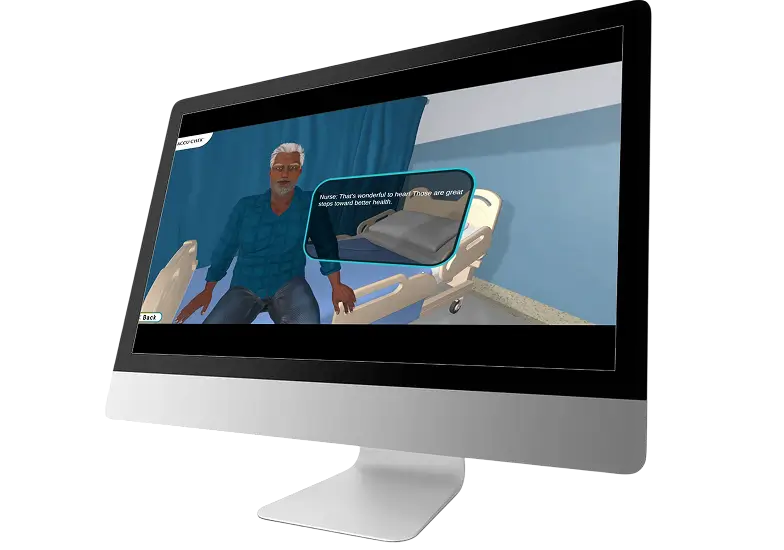
The simulation provides structured guidance, helping users understand each stage of the device operation.

Real-Time Feedback Mechanism
Users receive instant feedback on their actions to reinforce correct usage.
Project Impact
What Success Looked Like
-
Enhanced User Confidence
Hands-on simulation helped users become more comfortable and confident in using the device.
-
Improved Training Effectiveness
Interactive learning led to better understanding and retention compared to traditional methods.
-
Reduced Usage Errors
Guided practice minimized the chances of incorrect handling in real-world scenarios.
-
Engaging Learning Experience
The simulation resulted in a simulation-driven training experience that transformed device learning into an interactive journey.
Tech Stack
Built on a World-Class Tech Stack

Unity3D (LTS)
A highly versatile, cross-platform game engine primarily used to create 2D and 3D video games.

Windows
A graphical operating system (OS) developed by Microsoft

C#
Used to build gameplay logic, system behaviors, interactions, and feature integrations within Unity.

Blender
A free, open-source 3D computer graphics software suite.

Maya
A powerful 3D computer graphics software used for creating 3D models, animations, visual effects (VFX), and simulations.

Character Creator
A 3D character design and generation software that allows artists and developers to quickly build, customize, and rig stylized human characters.

Substance Painter
The industry-standard software used by 3D artists to paint and apply textures (colors, materials, and surface details) onto 3D models.

Git
Manages source code versions, tracks changes, and enables smooth collaboration across development teams.

GitHub
A cloud-based platform used by developers to store, manage, track, and collaborate on software code.

Visual Studio
Primary development environment for writing, debugging, and maintaining C# scripts and application logic.

Figma
A cloud-based digital design and collaboration tool primarily used to create websites, mobile apps, and user interfaces (UI/UX).

Adobe Photoshop
The industry-standard software used primarily for digital art, photo editing, and graphic design.

Adobe Illustrator
The industry-standard software for creating and editing vector graphics.
Device Training Made Simple
DigiTrends partnered with Roche Pharma to create AccuCheck Sim, a PC-based clinical simulation case for Diabetes that transforms device training into an interactive and practical learning experience.
Your product learning deserves to be just as interactive
More Case Studies
Exceptional Results Delivered Across Platforms
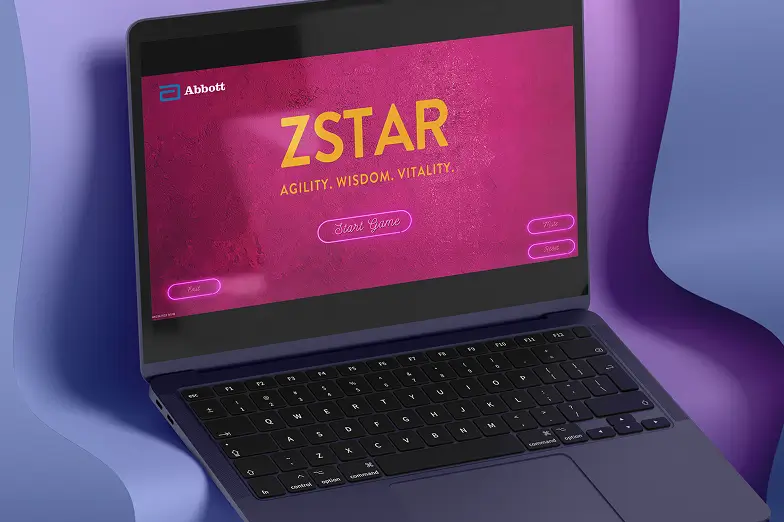
A Gamified HCP Awareness Campaign
DigiTrends partnered with Abbott to create an interactive gamified experience to educate HCPs on micronutrient health and deficiency awareness in an engaging way.

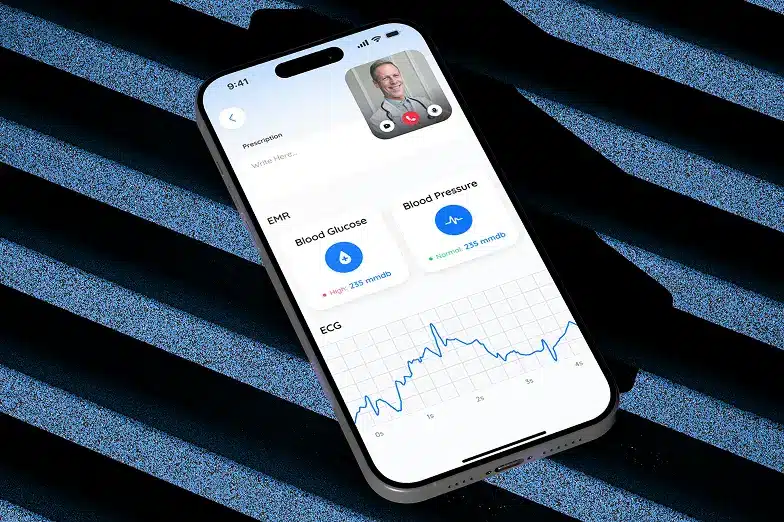
Remotely Accessible Healthcare at Home
DigiTrends partnered with King Saud University Hospital to create a remote patient monitoring platform that helped users get better access to healthcare digitally.

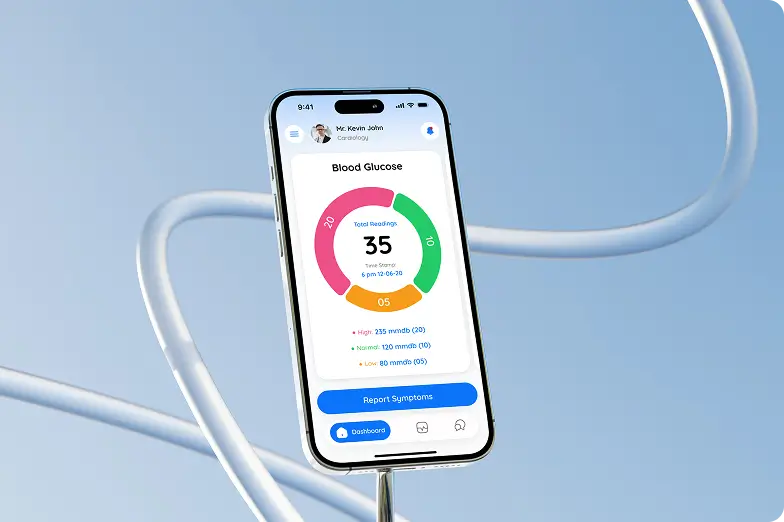
A Digital Health Platform To Encourage Unified Patient Care
DigiTrends partnered with an organization to create a digital health ecosystem, AViCA, that supported continuous care and improved patient engagement.

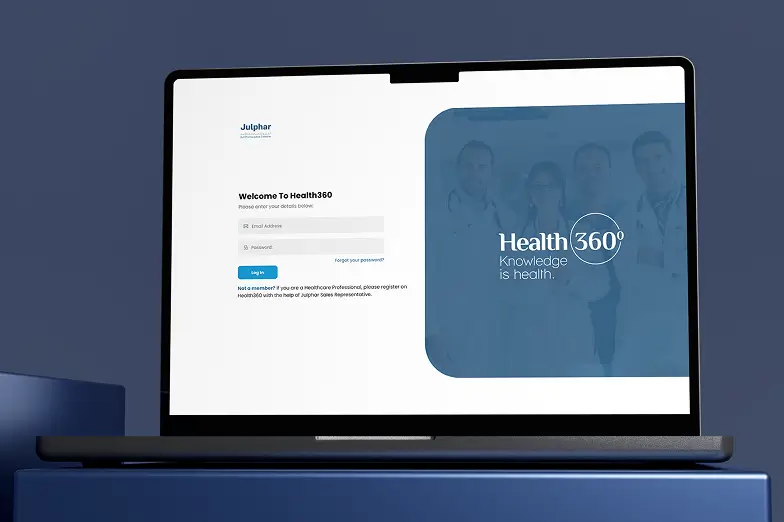
An HCP Engagement Platform
DigiTrends partnered with Julphar to create a centralized HCP portal that simplifies access to information and enhances digital engagement with healthcare professionals.

Brands We Have Worked With
Our Clients
DigiTrends has partnered with over 600 brands, including several Fortune 500 companies, to digitally transform core operations through innovative and scalable solutions. Trusted by our clients for consistent excellence, we take pride in delivering impactful digital experiences


































What Our Clients Have to Say
Client Reviews
Muhammad Usaid Khalid
Senior Brand Manager, Getz Pharma
"They delivered exactly what we wanted without any delays."
Check Reviews5.0

Ridoy Niamul
CMO at NIAMUL LTD
""very good services. I'm happy to they are provide good service""
Check Reviews5.0

Muhammad Mobin
Squad Lead, Roche Pakistan Limited
"DigiTrends consistently pursues excellence, and we look forward to future collaborations."
Check Reviews5.0
Talha Ahmed
AYM Commerce
""The people I communicated with were very astute, and they knew what they were doing." "
Check Reviews5.0

Muhammad Ali Patel
Manager Software Development, Martin Dow Ltd
"They showed commitment, timeliness, and quality of work."
Check Reviews5.0
Dr Saima Asif
CEO & FOUNDER at DIGIPILL
""It was a wonderful experience with Digitrends. I appreciate their amazing work in leading...""
Check Reviews5.0

Samra Sawati
Product Manager, Global Healthcare Company
"They demonstrated a high level of professionalism, responsiveness, and attention to detail."
Check Reviews5.0
Sadaf Altaf
CEO, Superwomen Pakistan
""DigiTrends made sure to turn our ideas into reality."
Check Reviews5.0
Bilal Patel
Brand Manager, Bayer Pakistan Pvt. LTD
"Their punctuality and attitude towards the project only strengthened our views for them."
Check Reviews5.0
Margarita Ivanova
CEO, DONO Volunteering
"They're highly efficient at ensuring our ideas would fill some needs."
Check Reviews5.0
Robert Vito
CEO, Reward Return Company
"I was very pleased with the team's communication."
Check Reviews5.0
Have a project in mind?
let’s talk
Whether you’re looking to innovate, scale, or transform, our team is here to help. Connect with us to discuss your goals, explore tailored digital solutions, and drive meaningful growth for your business.


Our Offices

USA Headquarter

USA (Corporate Office)

Dubai,UAE

KSA

Norway Office